
Qualify Lead to Agreement
Qualifying a Lead to an Opportunity in ProjectStream 365 transforms a validated prospect into an actively managed sales opportunity, enabling sales teams to track revenue potential, manage customer interactions, monitor progress through sales stages and steps, and maintain accurate pipeline forecasts. By converting lead information directly into an opportunity record, ProjectStream 365 streamlines the transition from lead qualification to opportunity management while preserving valuable customer, contact, and project information throughout the sales lifecycle.
✅ Goal
Convert a qualified lead directly into a Service Agreement when a proposal stage is not required.
📍 When to Use This
Qualify a lead to an agreement when the customer is prepared to move directly into a service relationship or contractual commitment.
🚶➡️ Step-By-Step Guide
📋 Procedure
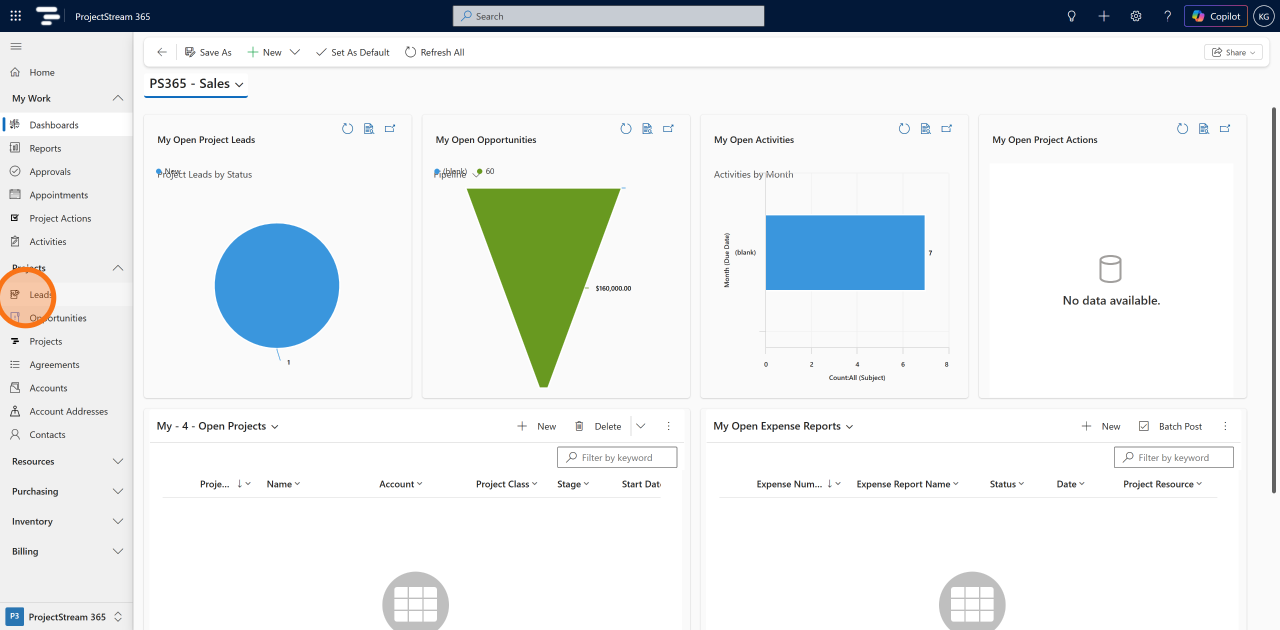
1. Navigate to Leads
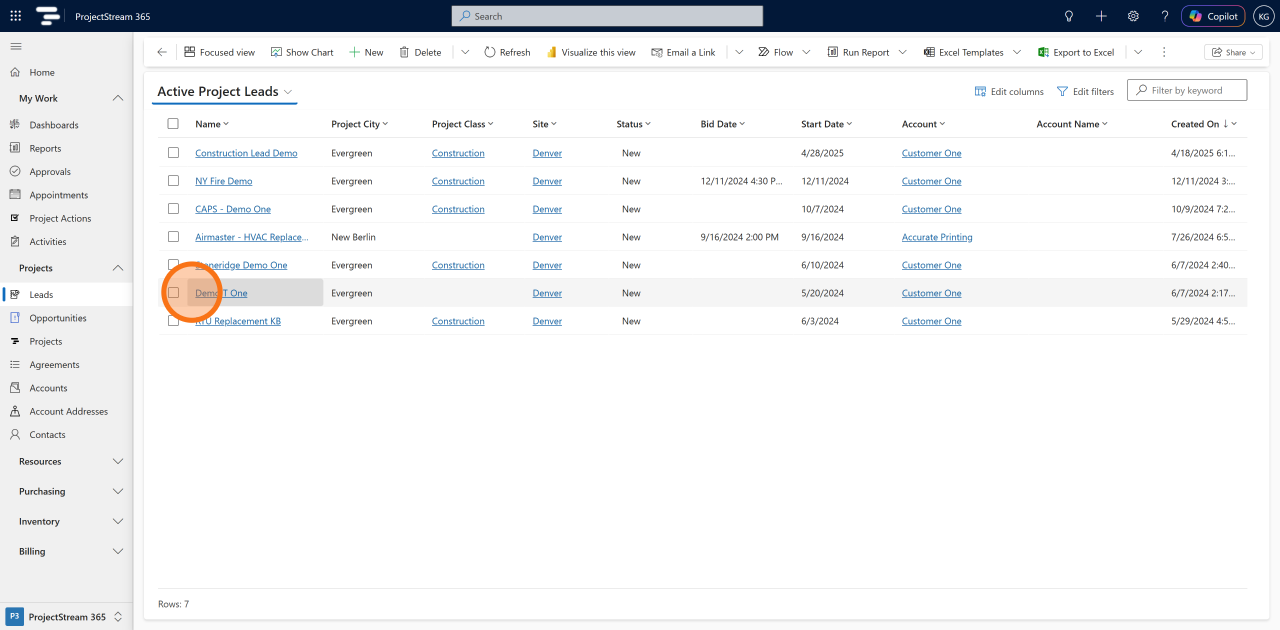
2. Select an existing Lead
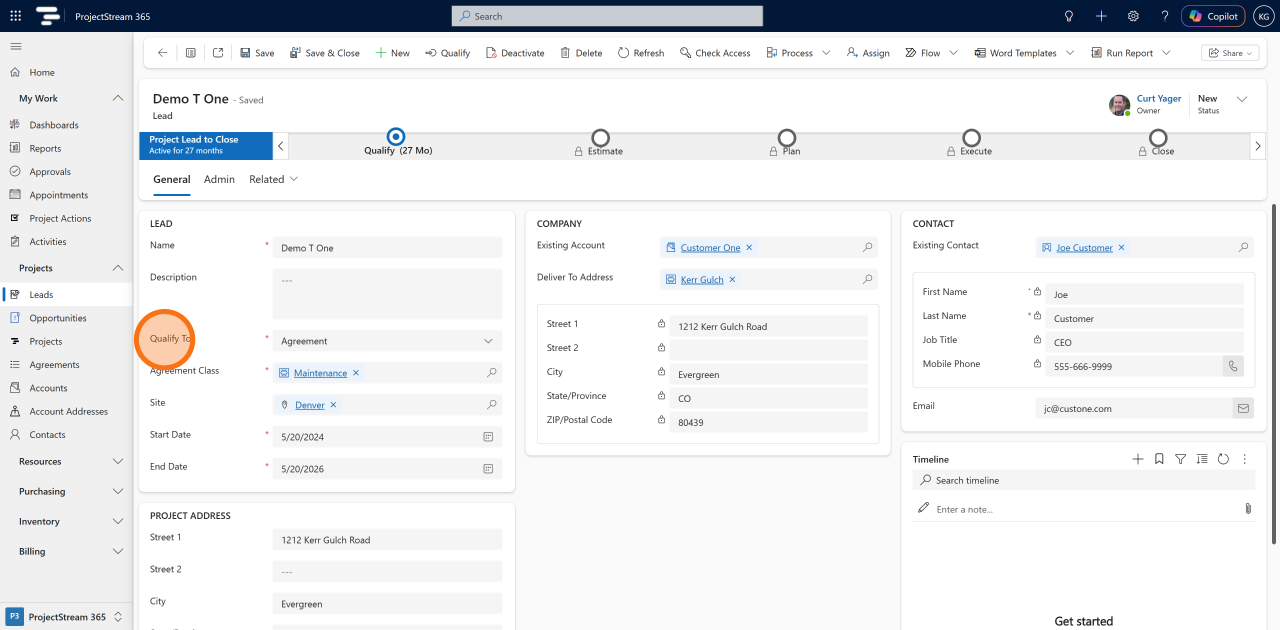
3. Check that the Qualify To field is set to Agreement
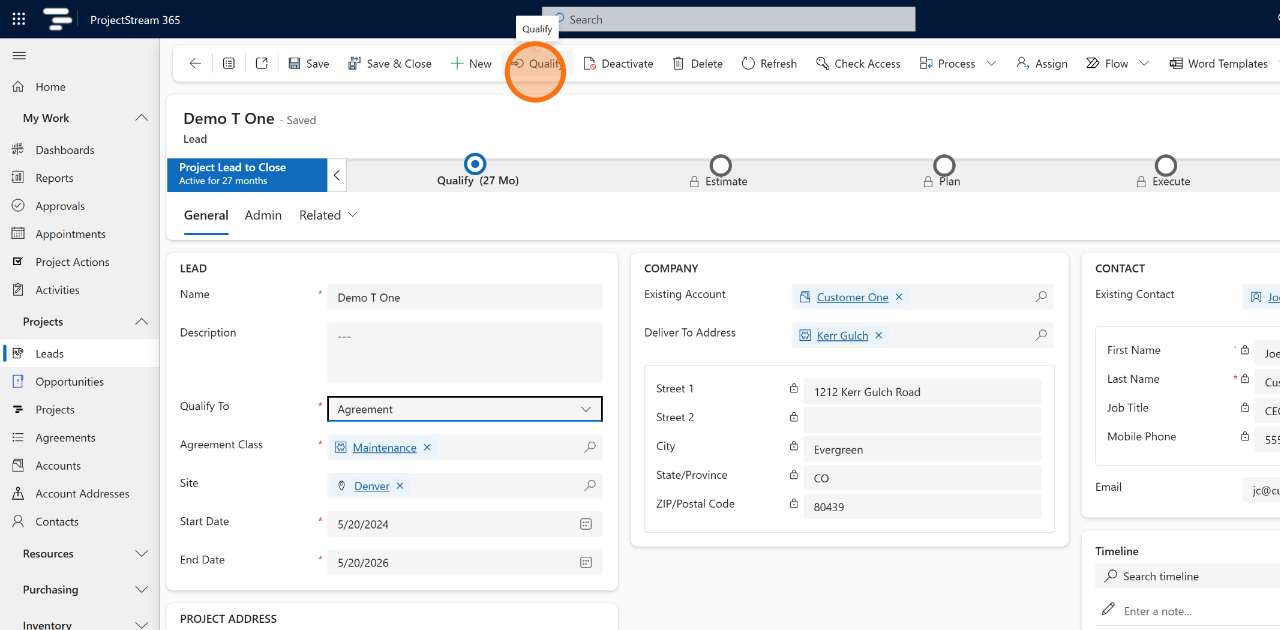
4. Click Qualify
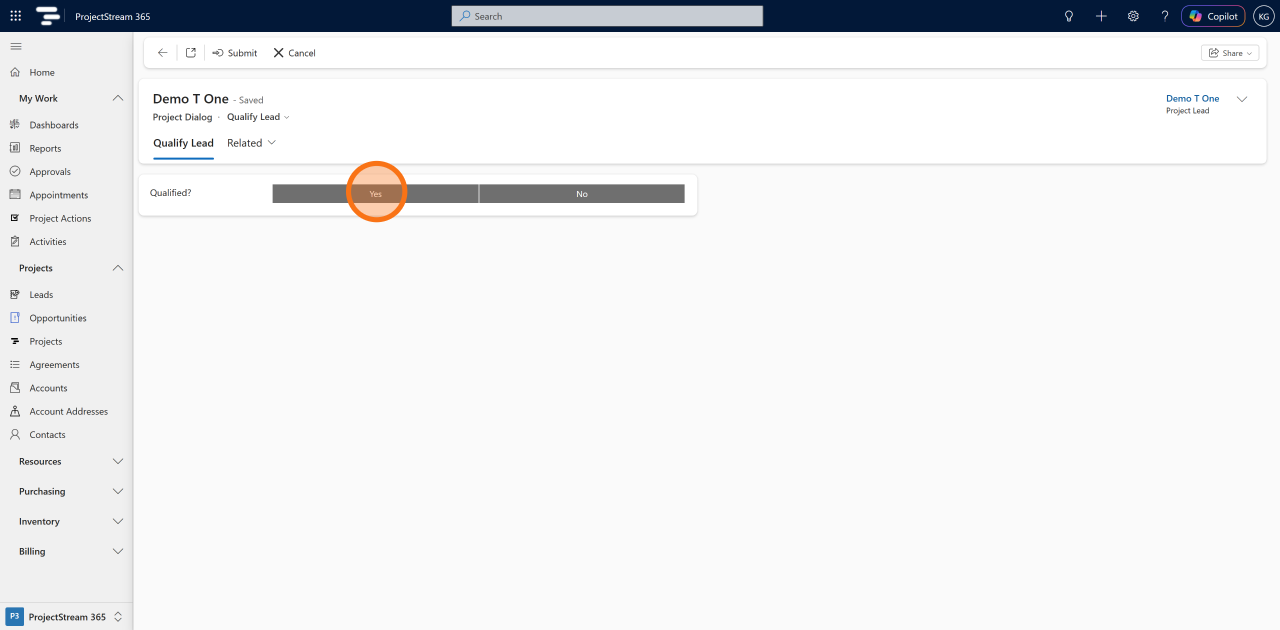
5. Click Yes
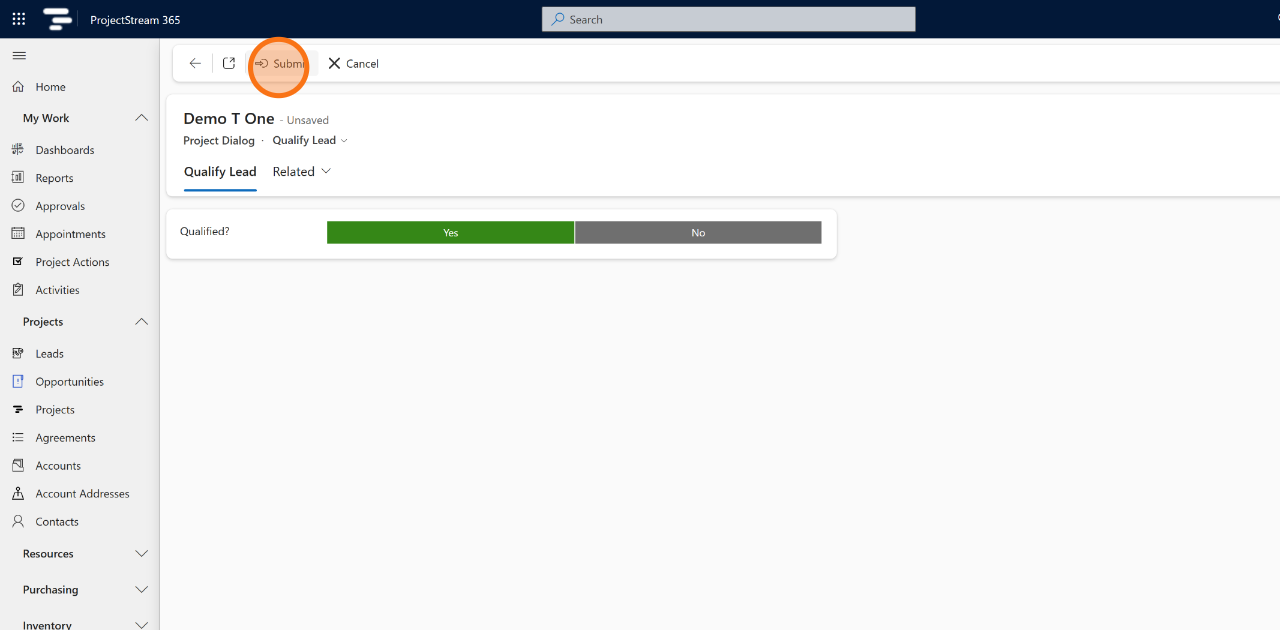
6. Click Submit
7. Note: Agreement Created
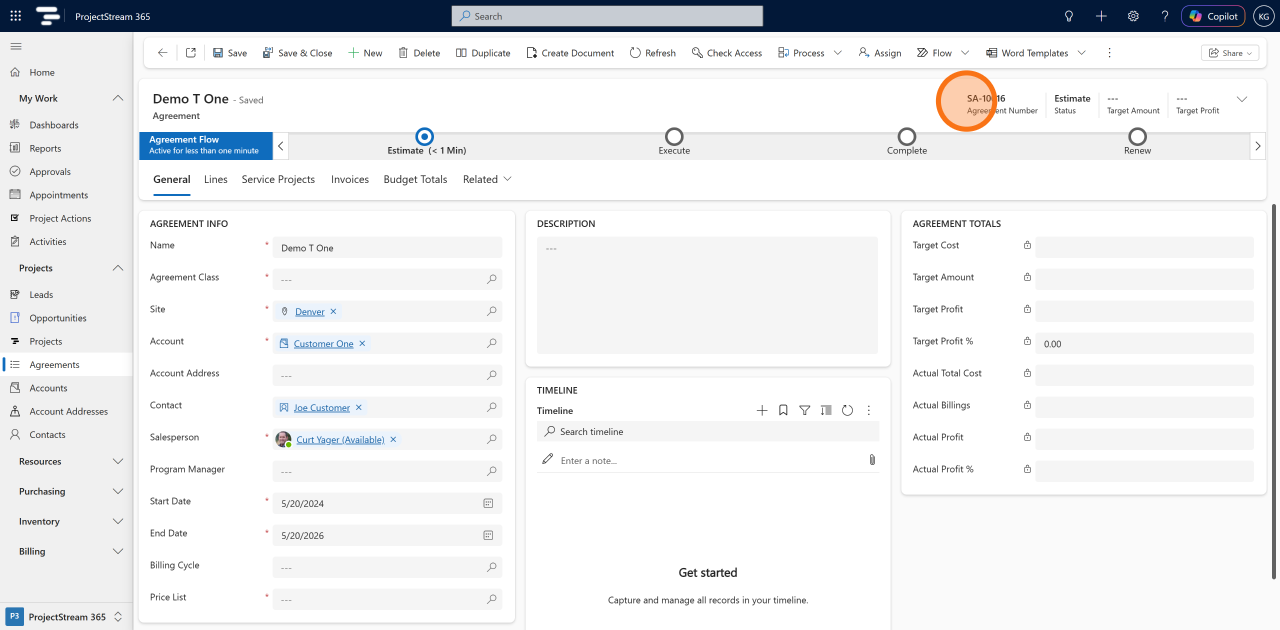
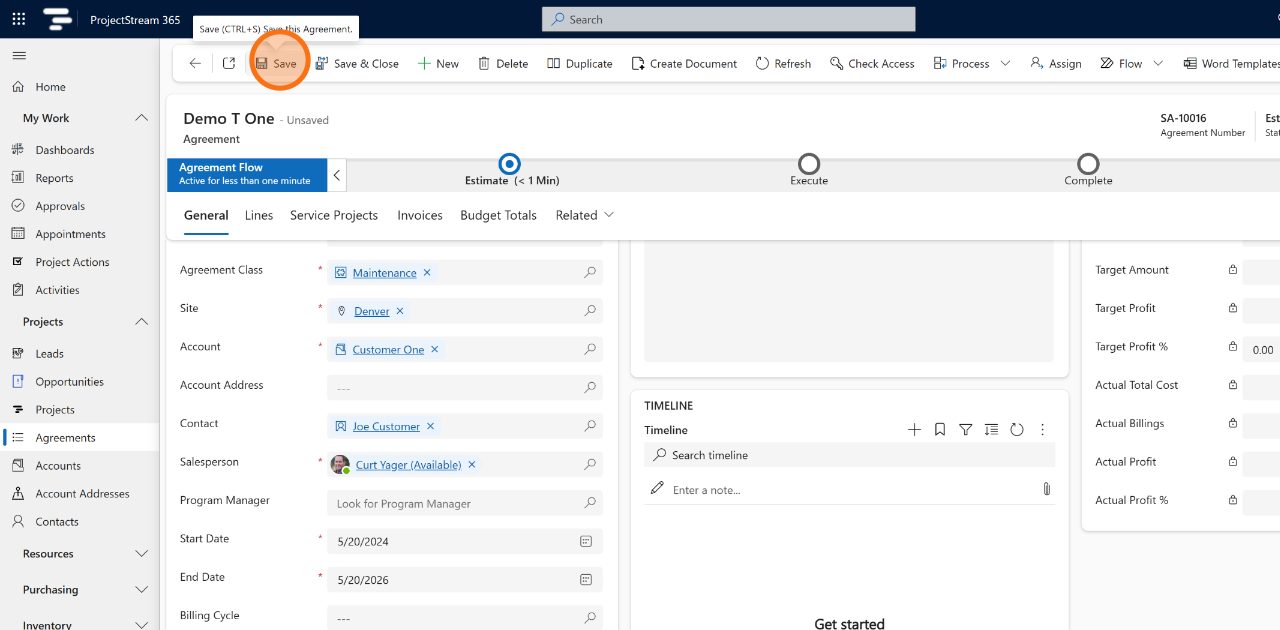
8. Fill in the required Agreement fields:
- Agreement Class
- Start Date
- Price List
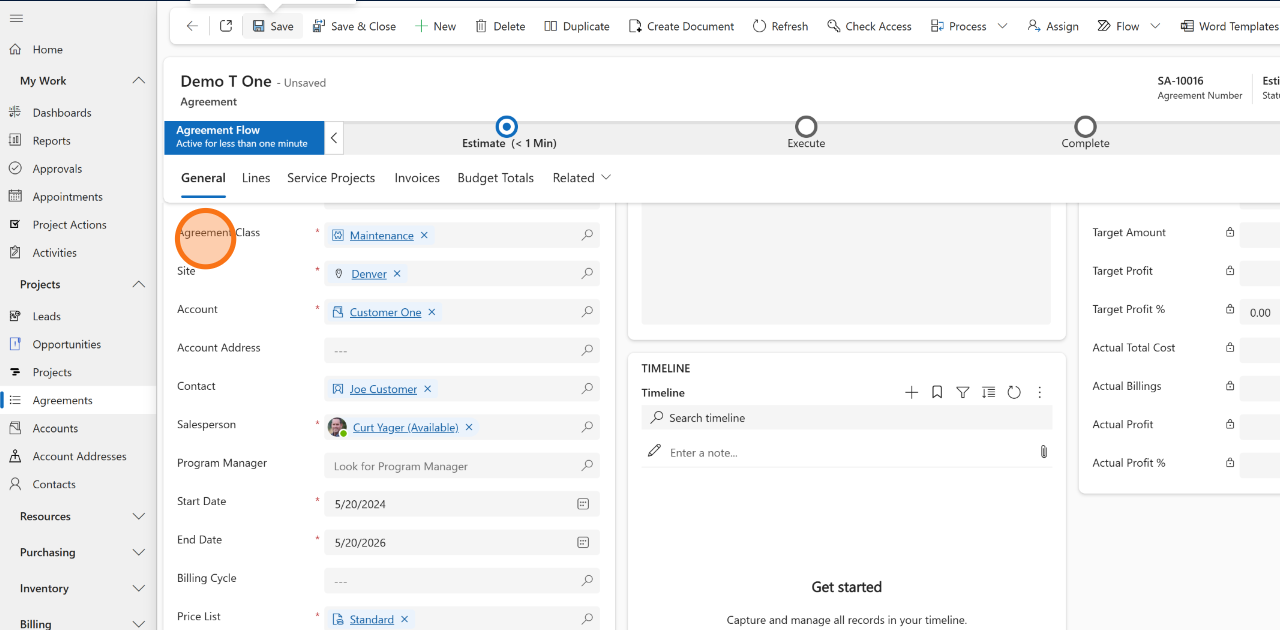
9. Click Save
✅ Result
A Service Agreement is created, and the lead is marked as qualified.
💡 Tips
- Verify customer commitment before qualification.
- Ensure pricing and service requirements are understood.
- Confirm customer information is complete and accurate.
- Review agreement terms before conversion.
🔗 Related Actions
🧭 What Happens Next?
The agreement can be managed through delivery, billing, and customer service workflows.